
personal finance
Hours of Work: See What Purchases Really Cost You
Forget the price tag. This app converts any purchase into hours of your working life, so you think twice before spending on things that aren't worth your time.
Artem
Founder
· 5 min read
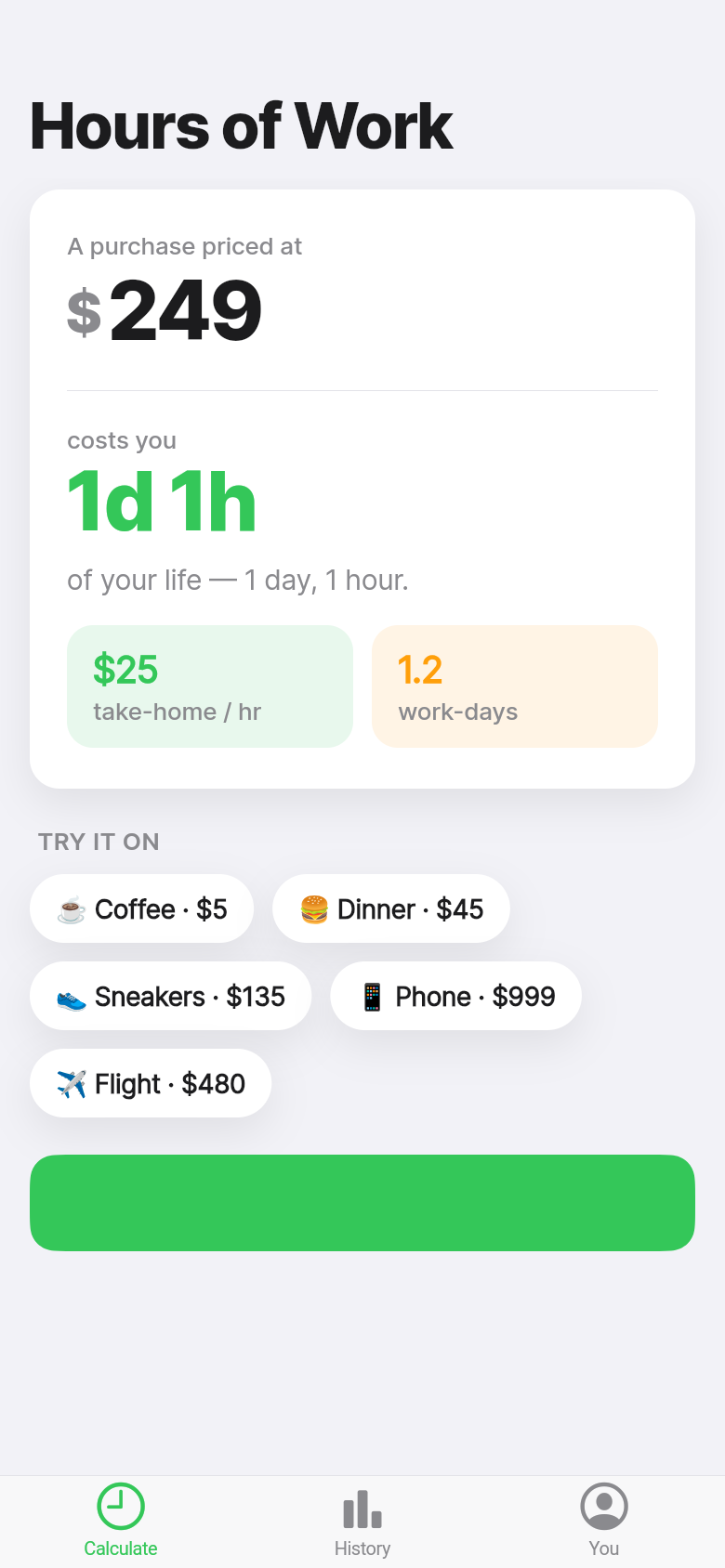
A $180 jacket is just a number. But three and a half days of your working life? That lands differently. Hours of Work does one thing well: it takes a price and your hourly pay, and tells you exactly how long you had to work to afford it, after taxes, in real take-home terms.
The idea isn't new. Vicki Robin made it famous in *Your Money or Your Life* back in 1992, calling it 'life energy.' What's new is having it in your pocket at the moment you're about to tap 'Buy Now.' Try entering your own wage and a purchase below to feel how the math changes the conversation you have with yourself.
Live demo
The problem with prices
Our brains aren't wired to feel $240. It's abstract. We process it as a size comparison, maybe glancing at our bank balance, and if the account has enough headroom, the mental friction is low. That's exactly how impulse spending slips through.
Reframe that $240 as six hours of work, and something different happens. You can picture six hours. You remember what Monday morning feels like. You ask whether the thing you're about to buy is actually worth that specific chunk of your week, and often the answer is no.
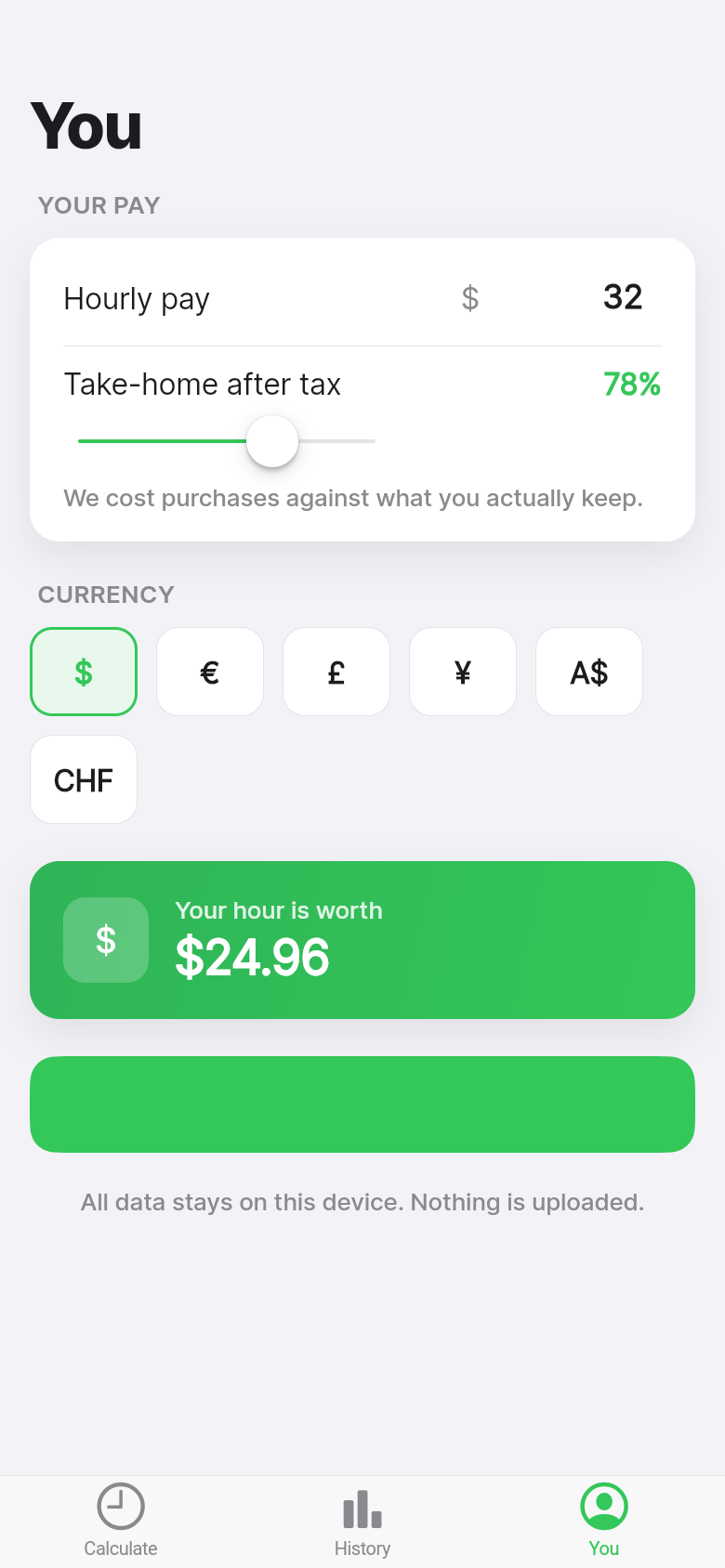
This is the whole premise of the app, and it works because the math is honest. Hours of Work uses your after-tax, take-home pay, not your gross salary. The difference matters more than people expect. On a $60,000 salary, your gross hourly might look like $29. Your real take-home hourly is closer to $22. That jacket just got an hour longer.
How it works in practice
Open the app and the first thing you do is enter your hourly wage or annual salary. If you enter a salary, the app derives your hourly rate and applies a tax adjustment so the number reflects what actually hits your account. You set this once.
From there, type in any price you're considering, and the app tells you the cost in hours and days of work. A $12 lunch: about half an hour. A $900 flight: roughly two full working days. A $3,200 couch: most of a month.
When something crosses the threshold of a full working week's pay, the app flags it. Not with an alarm or a warning message, just a clear visual marker that says, 'Pause here.' Big-ticket decisions deserve a beat, and the flag gives you permission to take one without feeling like you're being lectured.
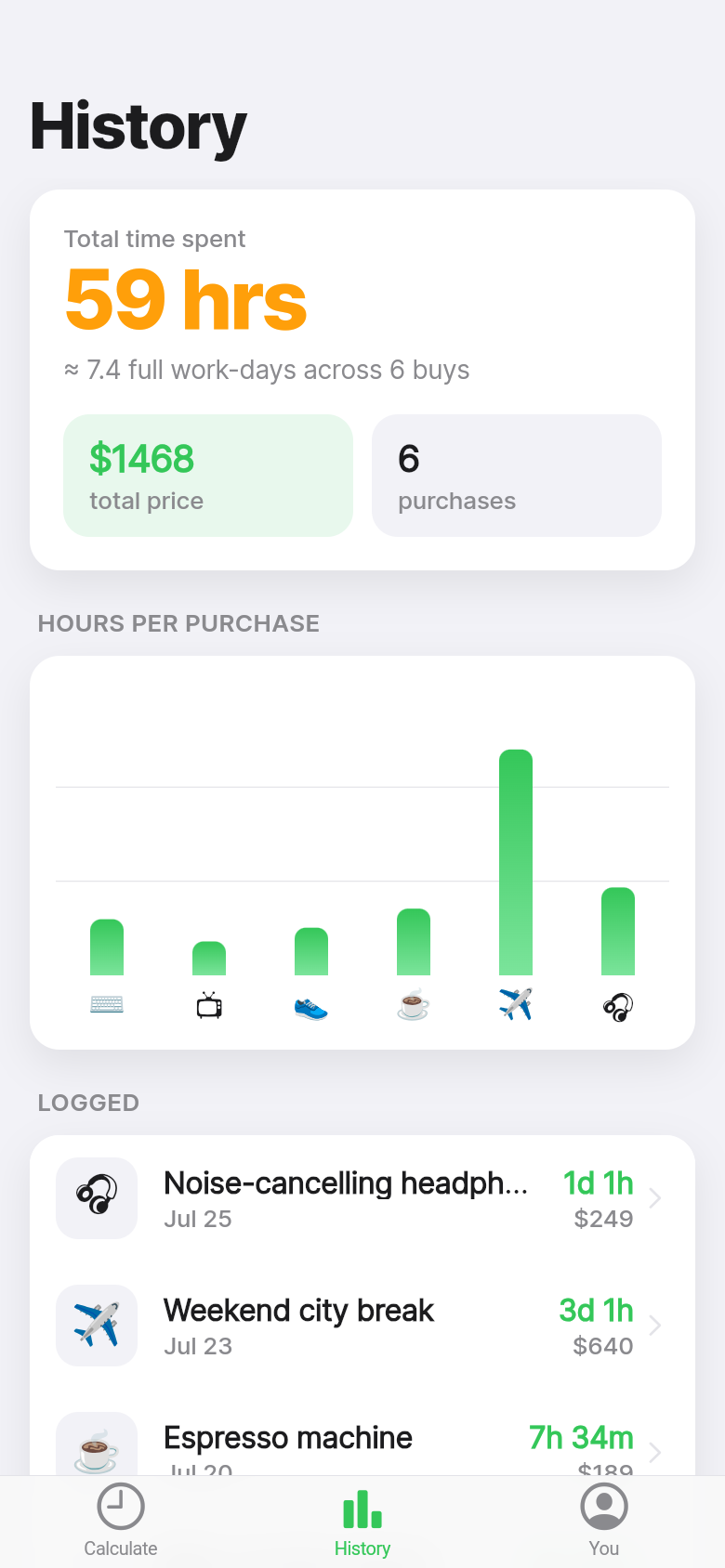
The app also keeps a history of everything you've checked. Scroll back through it after a few weeks and patterns become obvious: the daily coffee that adds up to a day of work every month, the subscription services you forgot were running, the purchase you decided against and now feel quietly glad about.
Why after-tax math is the honest version
Most salary calculators skip tax. They'll tell you that a $75,000 salary works out to $36 an hour, and technically that's true before the government takes its share. But you don't spend gross income. You spend what arrives in your account.
Hours of Work builds the tax adjustment in from the start because the whole point is to make the trade-off feel real. Inflated hourly numbers make purchases look cheaper than they are. The app defaults to after-tax so you're always comparing apples to apples: real money earned versus real money spent.
If you're self-employed or your situation is unusual, you can adjust. But the default nudges you toward accuracy, which is where the gut-check has its effect.
The no-spend mindset without the rules
No-spend challenges are popular for a reason: they force you to confront the relationship between earning and spending. But they rely on willpower and tend to feel punishing. Hours of Work doesn't ask you to stop spending. It just changes the question you ask before you do.
Instead of 'Can I afford this?' you're asking 'Do I want to trade those hours for this thing?' That's a question with a better signal. Affordability is about account balances. The hours question is about whether the purchase is actually worth your time, which is the only currency that doesn't come back.
The sample purchases the app seeds on first launch are intentionally recognizable: a streaming subscription, a restaurant meal, a pair of shoes. They're there so you can feel how the converter works before you've entered your own data. Once you plug in your real wage, those sample costs shift to match your life, not a hypothetical one.
Building a clearer picture over time
The history view is where the app earns its keep over the long run. A single purchase converted to hours is a useful pause. A month of purchases shown as a running tally of time spent is a different kind of revelation.
You start to see where the hours actually go. Some of it will feel fine, worth every minute. Some of it will surprise you. The goal isn't guilt, it's clarity. When you can see that a habit costs you four hours of work every month, you make an active choice about whether to keep it, rather than letting it drift along unexamined.
The visual makes patterns easier to read than a list of numbers. Time has a shape. A bad week of impulse buys looks different from a single considered purchase, and the difference shows.
39
files in the build
40.1 MB
app bundle
Flutter Web
runs in any browser
Have a tool idea of your own?
Hours of Work started as a one-line idea and became a working app in minutes. If you have a calculator, tracker, or personal tool you've always wanted, you can build it the same way.