
japanese learning
Oedo Stops: Drill 21 Tokyo Stations Before Your Train Arrives
A pocket flashcard app for new Tokyo commuters learning the Toei Oedo Line — kanji on the front, readings on the back, Daimon flagged so you never miss your transfer.
Artem
Founder
· 5 min read
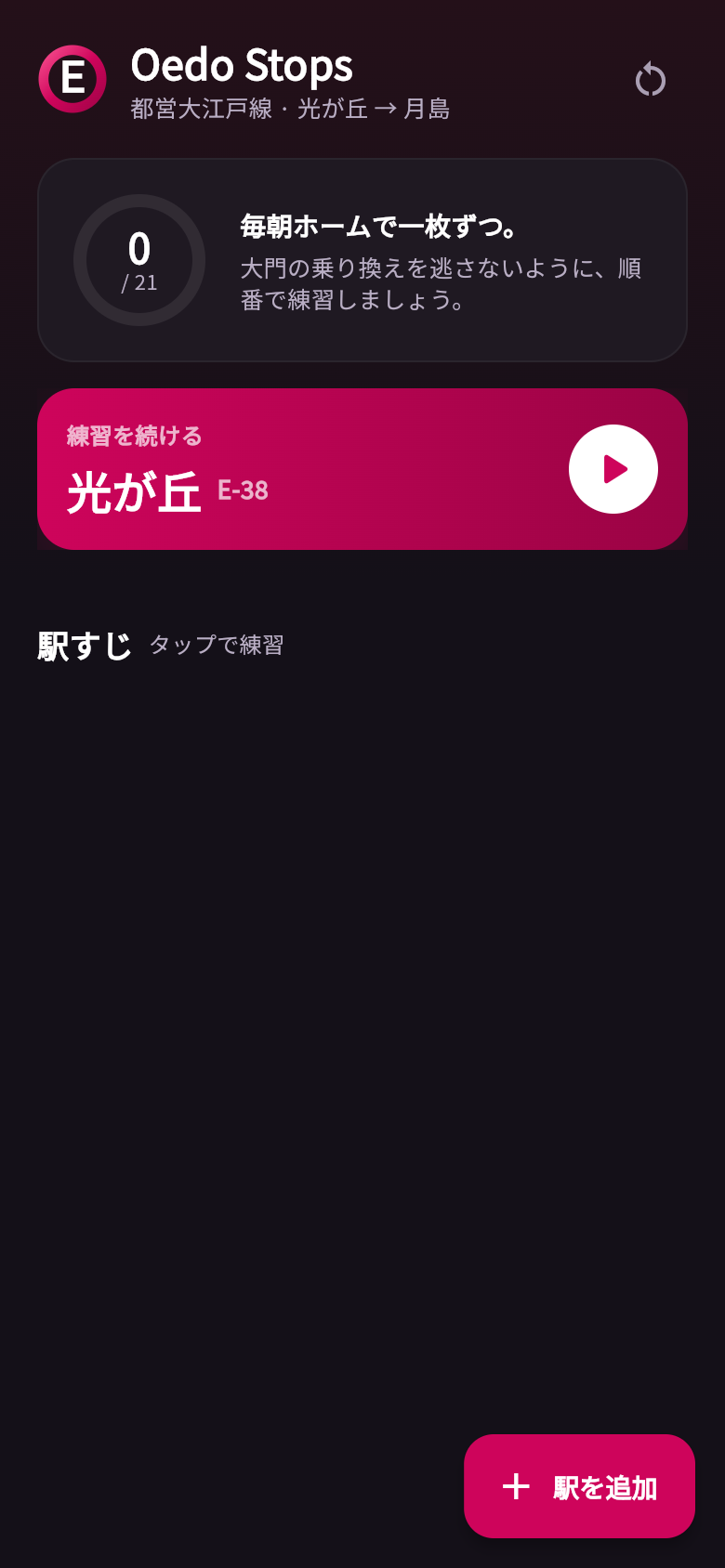
Your first week on a new Tokyo commute is a small daily test you never signed up for. The Toei Oedo Line has 21 stops, each with a kanji name you may not yet be able to read at full speed on the overhead display, and one of them, Daimon, is the transfer you absolutely cannot sail past. Yuki knew this feeling well: standing on the platform at Hikarigaoka each morning, phone out, trying to burn the station order into memory before the train arrived.
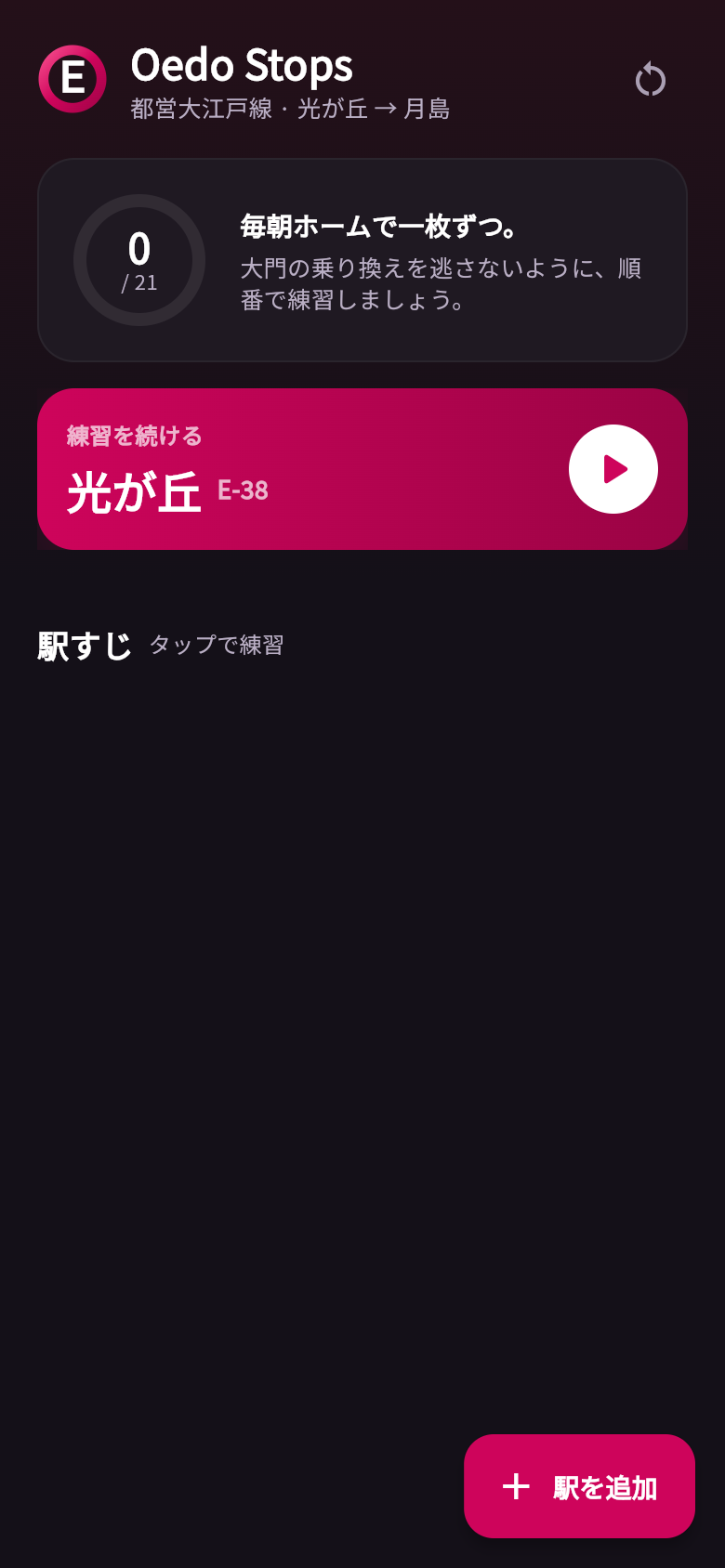
Oedo Stops is the app she needed. It loads all 21 stations in ride order the moment you open it, shows the kanji face-up, and lets you flip to the hiragana reading and romaji pronunciation. Daimon gets its own callout so it is never just another card in the deck. The whole thing works offline, so it is ready on a platform with no signal. Try the live demo in the phone frame above, then read on for how it is put together.
Live demo
The problem with learning station names on a moving train
Most language-learning apps are built for a study session at a desk. They assume you have ten or twenty minutes, a stable internet connection, and the patience to work through a spaced-repetition queue. None of that matches a two-minute platform wait at Hikarigaoka on a Tuesday morning.
What actually works on a platform is a single, focused drill: one thing to remember, immediate feedback, no setup. That is the logic behind Oedo Stops. The dataset is fixed and small, 21 stops between Hikarigaoka (E-38) and Tsukishima (E-16), so the whole app fits in your pocket without ever calling a server. You open it, you drill, the train arrives.
How the flashcards work
Each card shows the station name in kanji on the front, the way it actually appears on signs and displays. Tap or swipe to flip it and you see the hiragana reading above a romaji pronunciation in smaller text. The romaji is a safety net, not a crutch: it is there for the moments when your brain goes blank, so you always leave knowing the answer rather than sitting with the uncertainty.
The stations appear in ride order, Hikarigaoka through to Tsukishima, because sequence memory is the point. Knowing that Tochomae comes before Shinjuku-Nishiguchi comes before Higashi-Shinjuku is as important as knowing how to say each name. Once you can predict the next stop, the commute starts to feel familiar rather than foreign.
As you work through the deck, the app tracks which stations you have marked as learned. You can pick up where you left off the next morning without starting from the beginning. The progress carries over between sessions, so each day builds on the last.
The Daimon callout, and why it matters
Not every station is equal. Daimon is where the Oedo Line meets the Toei Asakusa Line, which means it is the one stop where missing your exit has a real cost: you end up past your transfer, rerouting on a tight schedule.
Oedo Stops flags Daimon with its own visual callout so it stands apart from the ordinary drill cards. When you reach it in the sequence, it does not just test you on the reading. It reminds you why this particular stop matters. That small distinction does a lot: it shifts the app from a generic flashcard tool into something that actually mirrors your commute and its one critical decision.
Fully offline, fully in Japanese
The entire app runs without a network connection. There are no API calls, no content to fetch, no login to maintain. Every station name, every reading, every piece of UI copy was written in Japanese and lives locally on the device. That matters on a subway platform, where signal can be unreliable, but it also matters for immersion: the menus and labels are in Japanese too, which means the app itself is a tiny bit of daily exposure to the language.
This kind of app, small, fixed dataset, offline-first, focused on a single repetitive task, is exactly what a dedicated tool should be. It does not try to teach you grammar or vocabulary or kanji stroke order. It teaches you these 21 stops, in this order, until they are automatic.
From one commuter's frustration to a working app
Oedo Stops started as a precise problem: a woman who just started a job in Tokyo needed to memorize a specific train line before the anxiety of a new commute became a daily drain. The idea was clear enough to turn into a working app quickly, and the result is exactly as focused as the problem it came from.
If you have a similar problem, something specific, finite, and worth drilling every day, the same approach works for it. The live demo above is the real app. Tap through the cards, flip a few, find Daimon. If it fits your commute, or something like it fits yours, you can build your own version from a single sentence.
39
files in the build
40.5 MB
app bundle
Flutter Web
runs in any browser
Have a small, specific problem worth solving?
Oedo Stops came from one commuter's daily frustration and turned into a working app from a single idea. If you have something you need to drill, track, or remember, describe it and see what gets built.