
tea ceremony
Yuki's Otemae: Drill Sadō Steps and Plan a Farewell Chakai
One app holds the full picture: flashcard drills for all 12 otemae movements, a countdown to the March chakai, the wagashi order, and the six-seat guest list.
Artem
Founder
· 5 min read
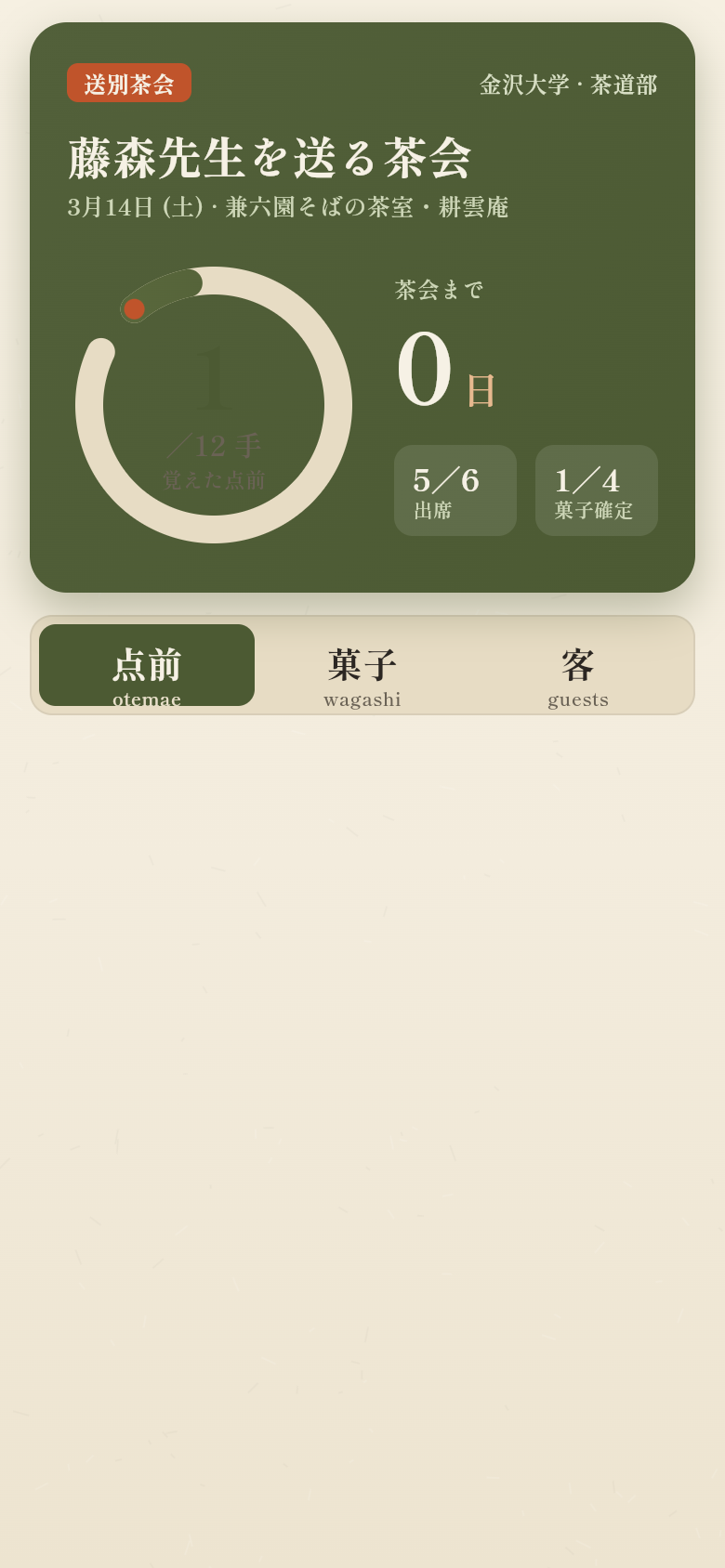
Yuki is graduating from Kanazawa University in March and wants to host a proper farewell chakai for her tea-club sensei before she goes. That means two things have to come together at once: she needs to have the 12-step otemae procedure genuinely memorised, not just roughly familiar, and she needs to coordinate a small, exact gathering: six guests, a wagashi order from a specific shop, confirmed RSVPs. A generic to-do app and a stack of handwritten flashcards were not cutting it.
So she built a dedicated tool instead, in an afternoon, from that single-sentence description of the problem. Tap around in the live demo above and you will see what it does: a home screen that shows you exactly where you stand, flashcard drills that surface the step you keep forgetting first, a wagashi order with per-sweet piece counts, and a guest list you can update with a tap. Everything persists locally and works offline, including on the train.
Live demo
The home screen tells you the truth immediately
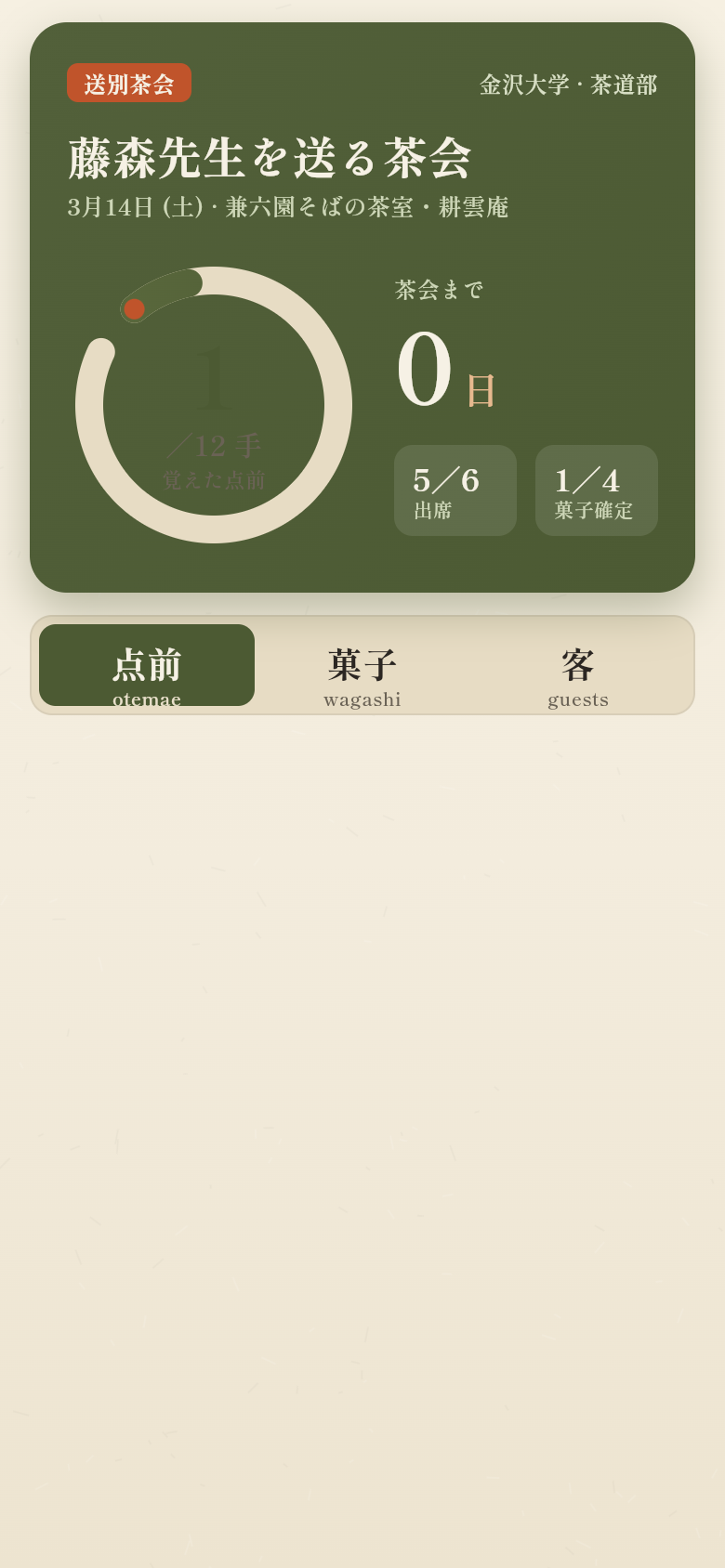
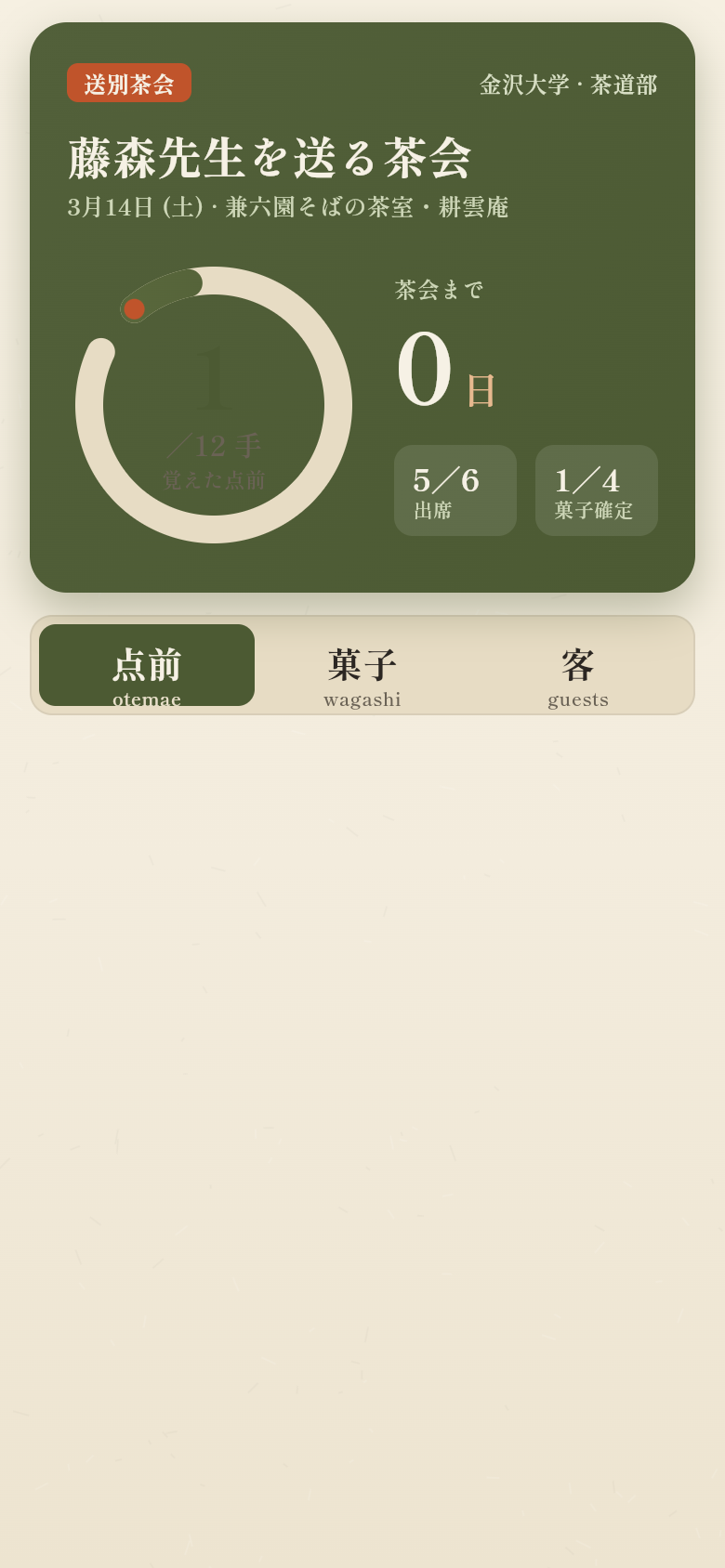
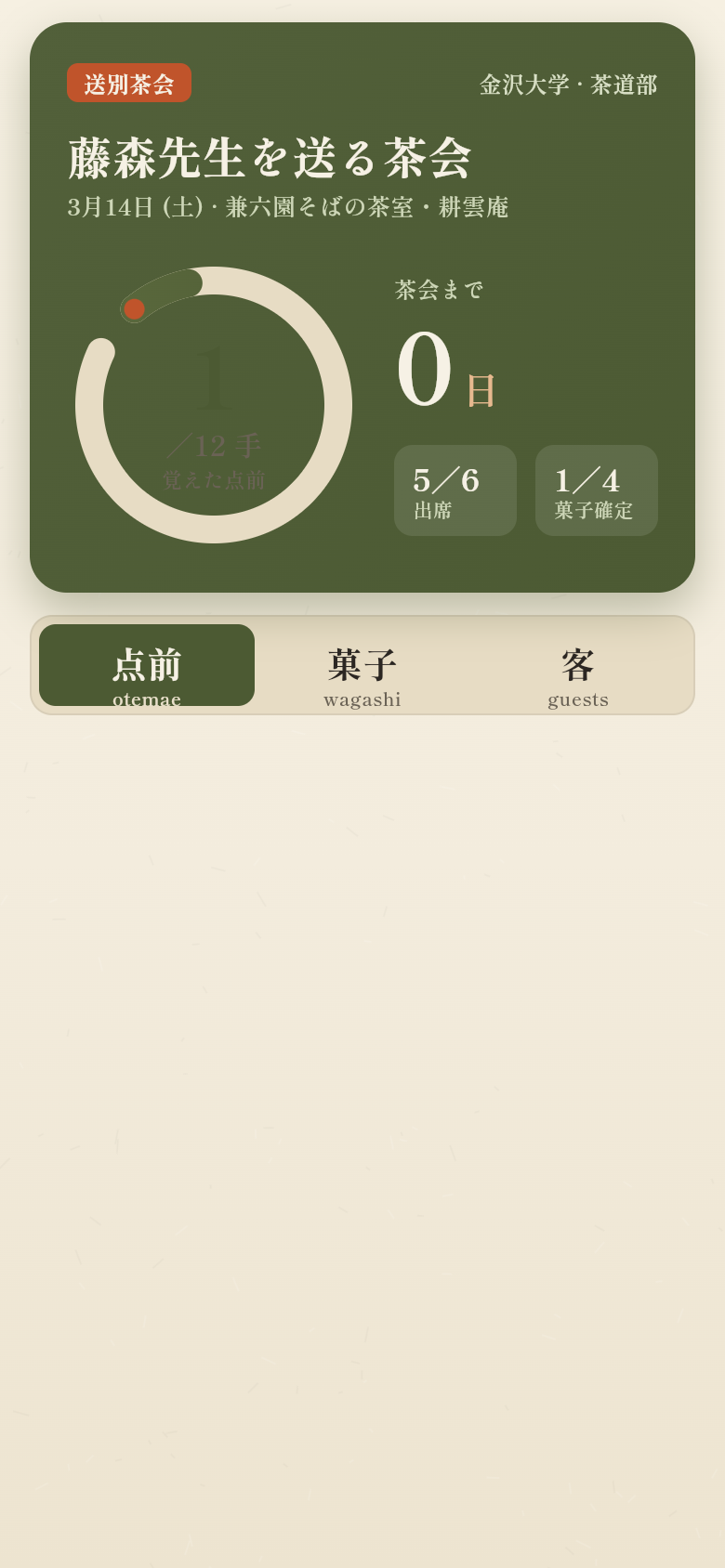
Open the app and you see the countdown to the chakai date, an ensō ring showing your overall mastery across all 12 steps, and the first card waiting for you. There is no dashboard full of charts you have to read carefully: the ring either looks complete or it does not, and the number of days left is right there. That immediate honesty is what makes it useful on a morning commute when you have maybe eight minutes.
The mastery ring fills as you get cards right and hold them in the higher Leitner boxes. It empties a little if a card drops back down. Watching it grow toward the ceremony date is a better motivator than checking off a generic task, because it reflects something real: how reliably you can recall each step under pressure, not just whether you have looked at it recently.
Drills that surface the step you keep forgetting
The flashcard deck covers all 12 otemae movements in order: from placing the chakin on the chawan through scooping the matcha with the chashaku to the final bow. The app uses a Leitner-style system, which means the card you got wrong most recently comes up first, not the one you last reviewed longest ago. If you keep forgetting to purify the chashaku before you scoop, that card sits in box one and keeps returning until you can answer it confidently three times in a row.
Flip any card to see the full description of the movement, what it signals to the guest, and the most common mistake at that point. After you flip, you mark it honestly: got it, or did not. The system does the rest. Over a week of commute drills, the ring on the home screen will visibly shift, and you will know from your own answers, not from optimism, whether you are ready.
Wagashi order and guest list in the same place
The ceremony preparation side of the app is just as specific. The wagashi screen lists each seasonal sweet Yuki plans to serve, with a piece count per person and a toggle between confirmed and undecided. When the shop confirms availability, she marks it confirmed. When she is still waiting on one item, it stays undecided and stays visible so nothing gets forgotten in the week before the event.
The guest list holds exactly six entries, one for each seat at the chakai. Each guest has a role: sensei, senpai, fellow club member. RSVP status cycles through with a single tap, attending, declined, or waiting. Because the size is fixed and intimate, precision matters: a chakai with five chairs set and six guests confirmed is a problem that needs to be caught before the day, not on it.
Holding the wagashi order and the guest list in the same app as the practice drills is the thing that makes it a single tool rather than three. Yuki does not have to context-switch between a notes file, a spreadsheet, and a flashcard app. She opens one screen, sees the countdown, checks whether the nerikiri is confirmed, reviews tomorrow's drill card, and closes it. The whole picture in under a minute.
Built for one fixed deadline
A lot of practice apps are designed for open-ended, ongoing study. This one is not. The countdown to the March chakai is the spine of the whole interface: every mastery percentage, every confirmed wagashi order, every RSVP is in service of that single date. When you know exactly when the ceremony is, the app can show you not just how you are doing in absolute terms but whether the rate you are improving is fast enough.
That specificity is what a general-purpose tool cannot give you. A flashcard app does not know about the six-seat guest list. A calendar does not know which otemae step you are weakest on. Yuki needed something that understood the full shape of the problem, the practice side and the event side, as one coherent thing, and that is what she described in one prompt and got back as a working app.
Try it yourself
The live demo above is a real, interactive version of the app. Try flipping a flashcard and marking it correctly or incorrectly: you will see the mastery ring respond. Switch to the wagashi tab and toggle a sweet from undecided to confirmed. Tap a guest's RSVP status and watch it cycle. Everything in the demo is seeded with Yuki's actual data: the 12 otemae steps, the March ceremony date, the six guests, the seasonal wagashi she is planning to order.
If you are working toward your own one-date goal, whether it is a recital, an exam, a performance, or any kind of event with a fixed guest list and a body of material you need to have memorised, the same idea applies. Describe the problem specifically: what you need to drill, what you need to coordinate, when it has to be ready. One sentence is enough to start.
39
files in the build
40.7 MB
app bundle
Flutter Web
runs in any browser
Have your own deadline to prepare for?
Describe your goal in one sentence and get a working app built around your specific date, your guest list, your material. No templates, no configuration.