
cooking
Multi Timer: Keep Every Dish on Track at Once
A kitchen timer that runs as many labeled countdowns as you need, so pasta, sauce, and roast each get their own clock and nothing quietly overcooks.
Artem
Founder
· 5 min read
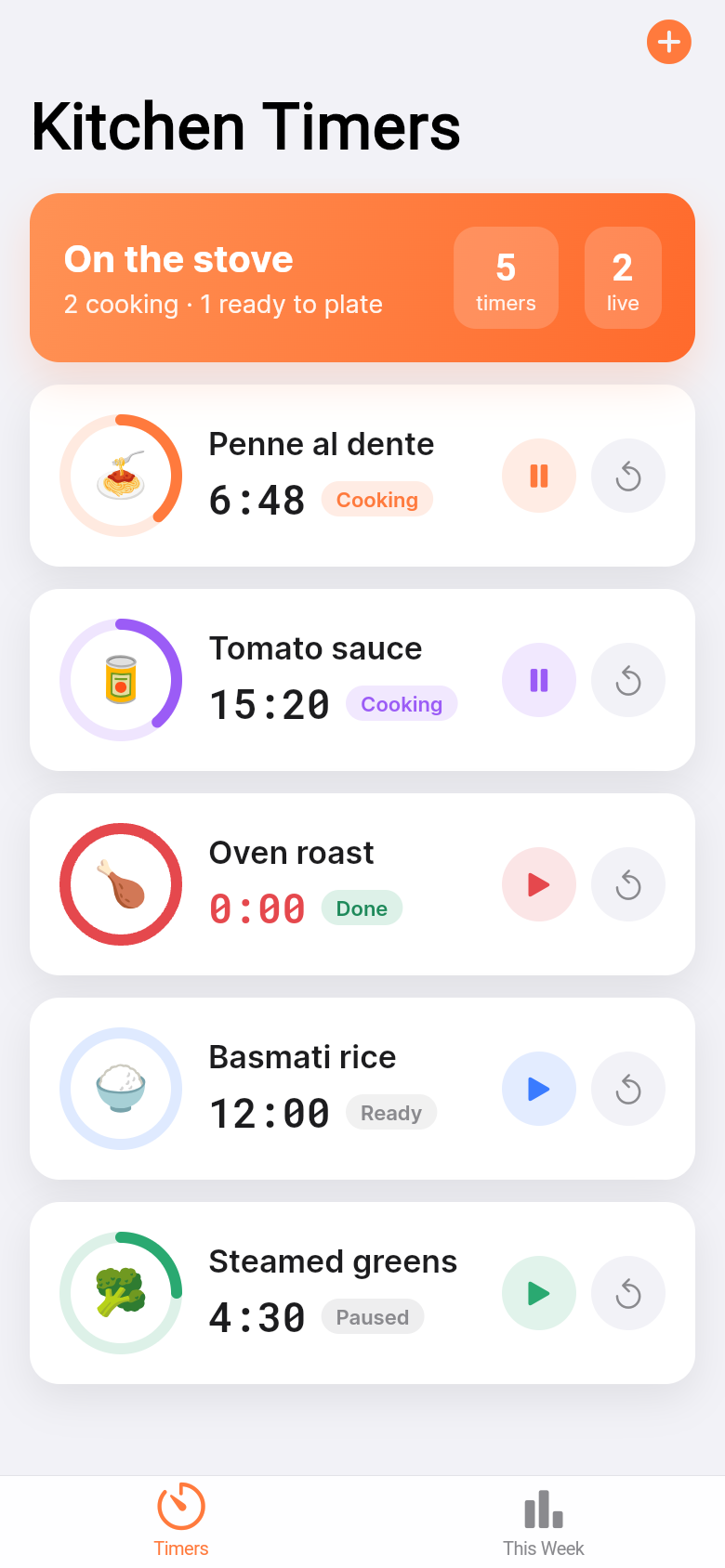
Most phone timers are built for one thing at a time. Set a countdown, wait, done. That works fine when you're boiling a single egg, but real cooking rarely happens in isolation. Pasta needs twelve minutes, the sauce needs to reduce for eight, and the chicken in the oven has twenty left. That's three things running at once, and a single timer can only watch one of them.
Multi Timer was built to fix that gap. It runs as many independent countdowns as you need, each labeled with the dish it belongs to, each with its own color and icon, all visible at a glance on a single screen. Try it in the demo below, then read on for how it actually works in a real cooking session.
Live demo
The problem with juggling timers in your head
If you've ever set a phone timer, then started another task and lost track of which alarm meant what, you already know the friction. Built-in clock apps either support only one active countdown at a time, or bury multiple timers in a scrollable list with no labels. When the alarm fires, you're left guessing: was that the pasta or the garlic bread?
Home cooks work around this with spoken reminders to themselves, sticky notes on the counter, or a second device running a separate timer app. It works, barely, until one of those mental threads drops and something burns. The workaround is the problem Multi Timer solves directly.
How it works: one card per dish
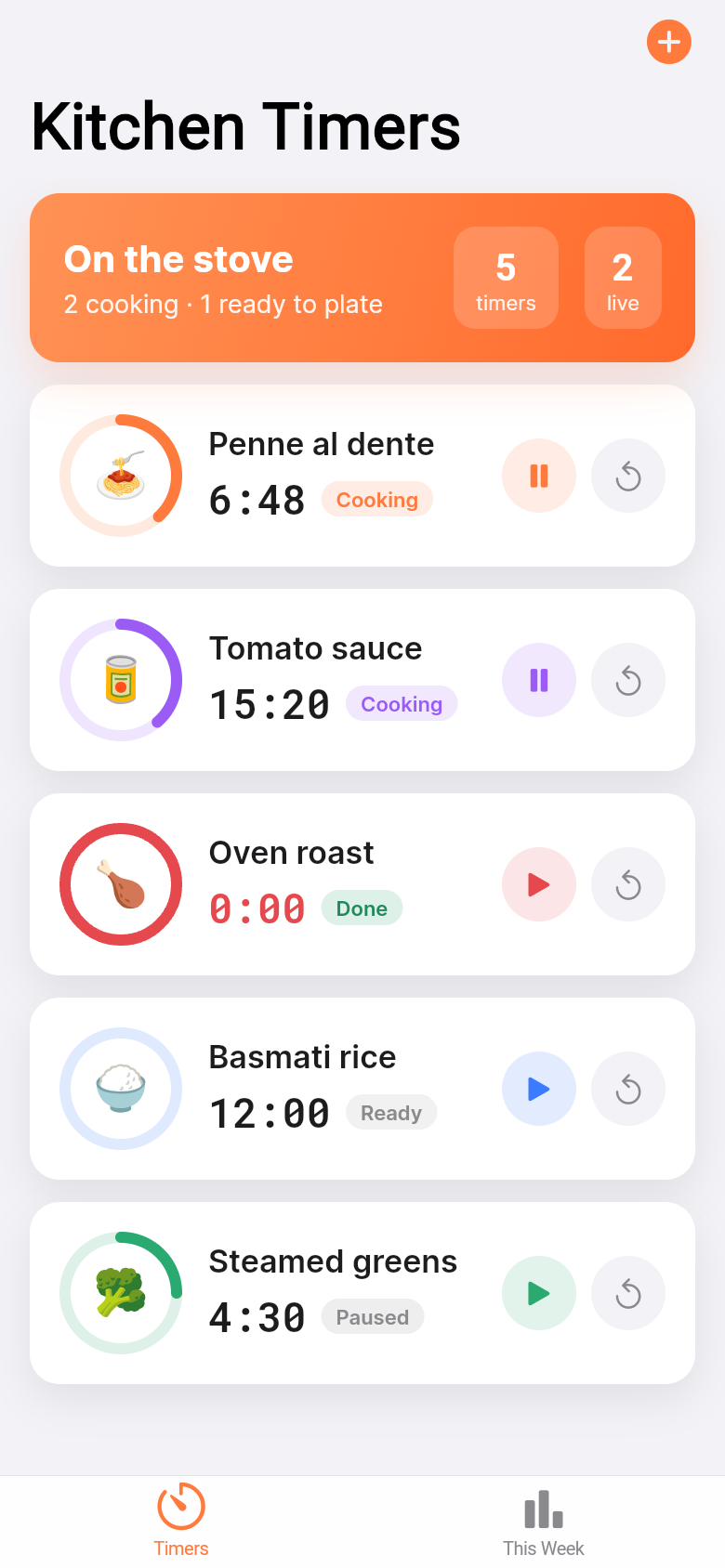
Each timer lives on its own card. You give it a name, pick a color, choose an icon, and set the duration. From that point it runs independently. You can have five timers going at once and each one shows a live countdown with a clear status label: Cooking, Paused, Done, or Ready. Nothing is silently ticking down in the background with no visible label.
Adding a new timer takes a few taps. Editing one, resetting it, or deleting it with a swipe takes a few more. The interface is intentionally minimal because the last thing you need while watching a pan is a complicated menu. Tap the card to pause, tap again to resume, long-press to edit. The live demo above lets you try all of this right now without installing anything.
The status colors are doing real work here. A green card is running, a yellow card is paused, a gray card is done. When you're moving between the stove and the oven, you can scan the screen once and know exactly where every dish stands.
Offline-first, so it survives being backgrounded
Multi Timer persists everything locally. If you close the app to answer a message, the timers keep their state when you come back. If the screen locks, they're still running. This matters more than it might sound, because a timer app that loses state when backgrounded is only marginally more useful than no timer at all.
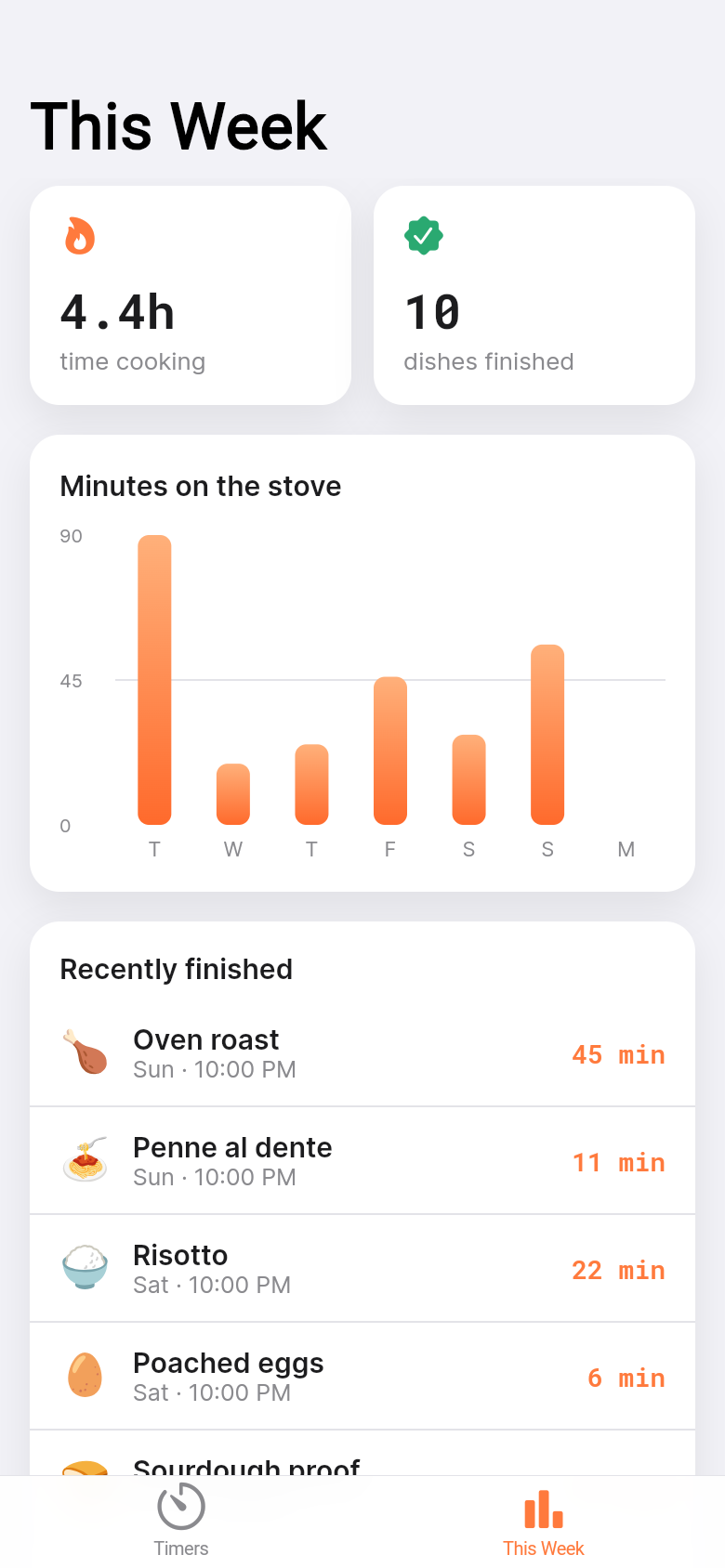
All your timer history is stored offline too, which feeds into the weekly summary. You can see which dishes you cooked across the week and how many total minutes you spent actively cooking. It's a small chart, not a fitness dashboard, but it's a satisfying way to notice that Wednesday was apparently a serious cooking day.
A typical meal-prep session with it
Sunday afternoon, four things happening in parallel: a pot of rice, a tray of roasted vegetables, a pot of lentils, and a batch of hard-boiled eggs. That's four timers with different durations, all started within a few minutes of each other. Without labels, the alarms are noise. With Multi Timer, each one has a name, a color, and a clear countdown.
The rice finishes first. Its card turns gray and shows Done. You don't need to silence anything or reset anything, you can just acknowledge it and move on. The vegetables have eight minutes left, the lentils need six more, the eggs have four. One glance tells you the order things will finish and what needs attention next.
That's the whole loop: add timers as you start each dish, check the screen instead of guessing, let the completed cards sit without noise until you're ready to clear them. It doesn't replace cooking skill, it just removes one specific kind of mental overhead.
Built from a single idea
Multi Timer started as a one-line description of a problem, the kind you'd type into a notes app or text to a friend: 'I need a timer that can handle multiple dishes at once with labels.' From there it was turned into a working, interactive app. The live demo in this article is the actual app, not a mockup.
That's what Leanfinit does: it takes a concrete problem someone has in their daily life and builds a real tool around it. No lengthy spec documents, no waiting. If you've got a recurring frustration that a small app could fix, the process is the same one that produced this timer.
39
files in the build
40.1 MB
app bundle
Flutter Web
runs in any browser
Have an idea for your own tool?
Describe a problem you keep running into, and we'll turn it into a working app. No technical knowledge needed, just a clear sense of what you wish existed.