
recipe scaling
Scale It: Recipe Scaling That Actually Works in the Kitchen
Stop doing fraction math in your head. Scale It rescales every ingredient the moment you move the servings slider, in real kitchen measurements.
Artem
Founder
· 5 min read
You found the perfect banana bread recipe. It makes one loaf, serves 8, and the margin note you scrawled years ago says your family actually wants two loaves for the holidays. So you start doing the math: if 1 3/4 cups of flour becomes 3 1/2, does 1 teaspoon of baking soda become 2? And what about the 3 eggs? You grab a pen, multiply a few things, lose track, and by the time the batter is in the pan you are quietly hoping you got it right.
Scale It exists for exactly this moment. Pick a recipe, move the servings to your target, and every ingredient on the list recalculates instantly. Fractions round to the nearest kitchen measurement so you never read "0.375 cups" when you need "3/8 cup." The app is already loaded with real seeded recipes, works offline, and saves your collection between sessions. Try the live demo below: choose a recipe and drag the servings up or down to see it in action.
Live demo
The fraction math problem no cooking app has fully solved
Recipe apps are great at storing recipes. Where almost all of them fall short is the moment you need a different quantity. You either do the math yourself, or you open a separate calculator, divide everything by the original serving count, multiply by your target, and then squint at a decimal like 1.333 cups and wonder if that is somewhere between a cup and a quarter and a cup and a third.
Baking is where this really matters. Flour and butter scale linearly, but leaveners, salt, and spices do not behave the same way when you double a batch. One gram off on baking powder can be the difference between a good rise and a flat, dense brick. Home bakers know this, which is why they write careful pencil notes in the margins of printed recipes. Scale It handles the arithmetic so those notes become unnecessary.
How it works: one control, instant results
The interface is deliberately simple. Open a recipe and you see the ingredient list exactly as written. At the top there is a single servings control. Move it up or down and the list updates immediately, every line at once, no confirmation step needed.
The key detail is how amounts are expressed. Scale It does not show you raw decimals. It converts calculated amounts into the fractions that actually appear on measuring cups: halves, thirds, quarters, eighths. So 1.75 becomes 1 3/4, and 0.667 becomes 2/3. That distinction sounds small until you are standing at the counter at 7am and need to measure something without thinking about it.
The app ships with a set of seeded recipes so it is genuinely useful from the first open. You are not staring at an empty list and wondering what to add. The recipes are structured, realistic, and cover the kinds of dishes people actually cook, not placeholder lorem ipsum food.
Who reaches for this app, and when
The most obvious user is the home baker who follows family recipes written for a different household size. A cookie recipe that dates to when the family had five kids now needs to scale down for two adults. A grandmother's pie crust written for Thanksgiving needs to scale up for a bakery pop-up. These are the moments where pencil math and crossed-out margins accumulate.
Meal preppers have a version of the same problem: a recipe developed for four portions needs to become twelve for a week of lunches. Cooks hosting a dinner party who find a great weeknight recipe written for two need to triple it and want to feel confident the ratios are right.
What all these people share is that they already have the recipe, they trust it, and they just need the numbers adjusted. Scale It does not try to be a recipe discovery app or a social network. It is a focused tool for one specific job.
Offline and local: your recipes stay yours
Scale It stores everything on the device. There is no account, no sync setup, and no dependency on a server being available when you are cooking. Open it in a no-signal cabin kitchen, a crowded grocery store, or mid-flight while planning a meal. Your recipes are there.
Persistence between sessions means you build up a collection over time. Add a recipe once and it is there whenever you need it. This sounds basic because it should be basic, but a tool you use in the kitchen needs to be unconditionally reliable. Nothing should interrupt the moment between reading a recipe and starting to cook.
A closer look at the interface
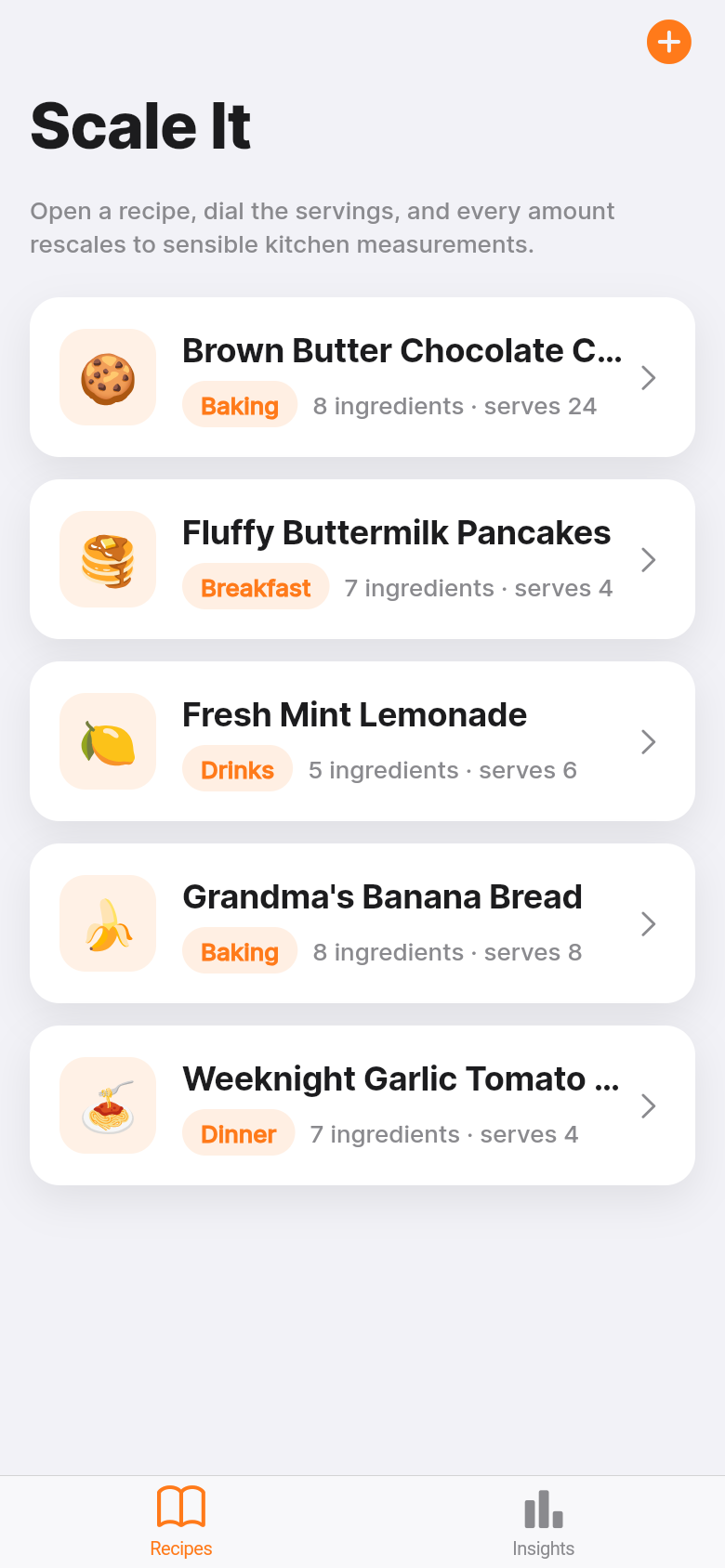
The screenshots show the two states you spend most of your time in: the recipe list and the scaled view. The list is clean, with enough recipe context to pick quickly. The scaled view puts the ingredient list front and center with the servings control close at hand.
The design keeps visual noise low. There are no ads, no suggested recipes, no prompts to share or rate. The information hierarchy puts the scaled amounts where your eye goes first, because that is the only thing that matters in that moment.
If you want to see the rescaling happen in real time, the live demo above is the real app. Pick any recipe from the list, try moving the servings from 4 to 12 or from 8 to 2, and watch each ingredient line update. The amounts that come back are the ones you would write on a notepad: practical, unambiguous, ready to cook from.
39
files in the build
40.1 MB
app bundle
Flutter Web
runs in any browser
Have a tool you keep wishing existed?
Scale It started as a one-line idea: a recipe scaler that shows real kitchen measurements. If you have a problem like that, something specific and genuinely useful to the people around you, you can turn it into a working app the same way.